Laser Marking Depth Problems: Troubleshooting & Fixes
Insufficient or uneven marking depth is one of the most common issues in laser marking production. It causes inconsistent quality, rejected parts, and wasted production time. Depth problems do not always mean a failing laser — most issues come from incorrect settings, misalignment, or simple maintenance lapses.
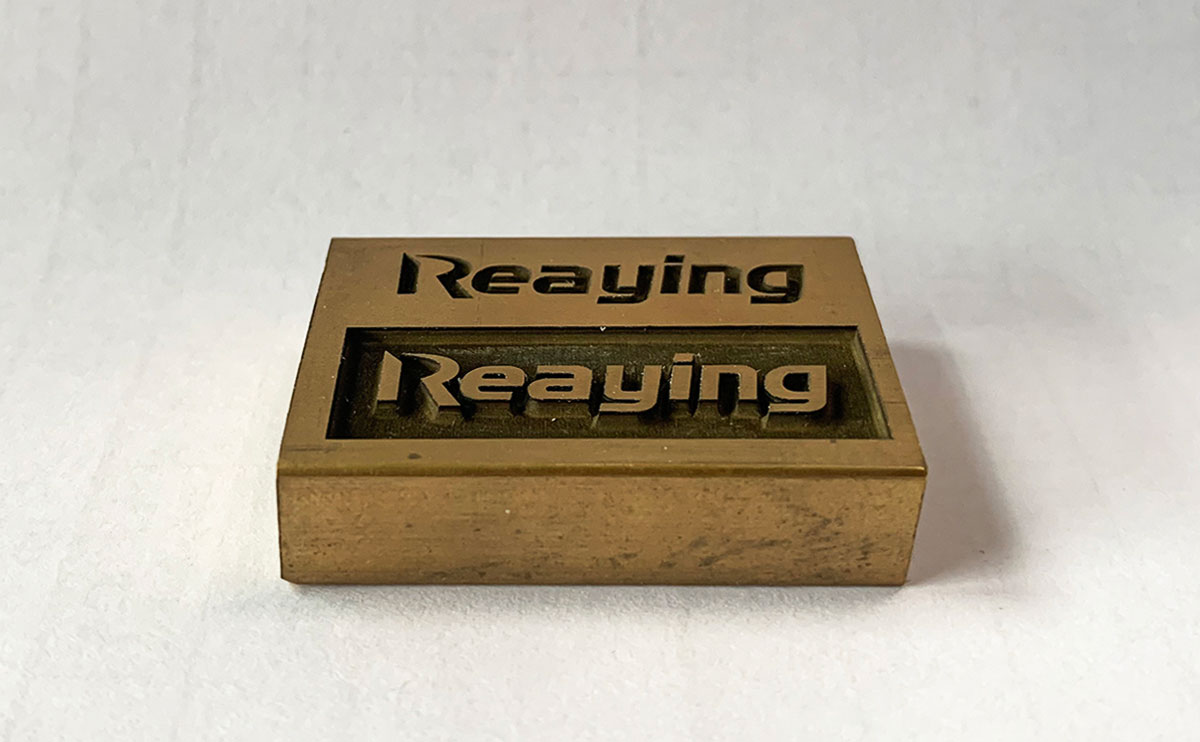
This guide walks through the 9 most common causes of shallow or uneven marking, ordered from easiest to hardest to fix, so you can diagnose and resolve the problem on your production line.
What Determines Laser Marking Depth?
Four core factors control final marking depth:
- Laser power density — more energy per unit area = deeper mark
- Dwell time — slower speed = longer energy exposure = deeper mark
- Material absorption — some materials absorb laser energy better than others
- Beam focus quality — a tight, well-focused beam delivers maximum energy density
A change in any one of these will make marks go shallower or uneven across the marking field.
Step-by-Step Troubleshooting (Easiest First)
Start with the simplest checks first. Most depth problems are fixed in the first 2–3 steps.
1. Incorrect Speed & Power Settings (Most Common)
The number one cause of shallow marking is running too fast or with too little power for the material.
| Material | 20W Fiber Reference | 30W Fiber Reference | 50W Fiber Reference |
|---|---|---|---|
| Stainless steel (deep mark) | 100–150 mm/s, 80% power | 150–200 mm/s, 70% power | 200–300 mm/s, 60% power |
| Aluminum | 80–120 mm/s, 90% power | 120–180 mm/s, 80% power | 180–250 mm/s, 70% power |
| ABS / plastic | 200–300 mm/s, 30% power | 300–400 mm/s, 25% power | 400–500 mm/s, 20% power |
Fix:
- Reduce marking speed by 20% and test
- Increase power by 10–15% and test
- Always test on scrap material with the same surface finish as production parts
2. Out-of-Focus Beam
A slightly defocused beam spreads energy over a larger area, drastically reducing depth. Even 0.5 mm of focus error can reduce effective depth by 30–50%.
Signs:
- Marks are soft-edged and blurry as well as shallow
- Depth changes noticeably across different parts of the marking field
Fix:
- Run a step focus test or slope test to re-calibrate focal height
- See our full guide: How to Find the Focus of a Laser Marking Machine
- Always set focus to the top surface of the actual workpiece, not the worktable
3. Dirty or Damaged Protective Lens
A contaminated protective lens absorbs laser energy before it reaches the workpiece. Oil, smoke residue, and dust silently reduce output power by 20–40%.
Signs:
- Depth gradually decreases over days or weeks
- Visible smudges, spots, or burn marks on the lens
Fix:
- Inspect the protective lens daily
- Clean with lens paper and 99% isopropyl alcohol using a single-direction wipe
- Replace scratched or pitted lenses immediately
- Full guide: How to Clean the Focus Lens (same principle applies to marking machines)
4. Coated or Oxidized Material Surface
Paint, anodized coating, oil, or heavy oxide layer on the material surface absorbs or reflects laser energy, resulting in shallow or inconsistent marks.
Signs:
- Same settings work on bare material but fail on coated stock
- Depth varies from part to part within the same batch
Fix:
- Clean and degrease parts before marking
- Increase power by 10–20% for coated materials
- For heavy oxide, consider a pre-cleaning pass with the laser first
5. Field Curvature & Edge Drop-Off
Standard flat-field lenses have slight curvature: the focal plane dips at the edges of the marking area. Marks at the corners are often shallower than marks at the center.
Signs:
- Perfect depth at center, noticeably shallower at corners and edges
- Problem gets worse with larger marking fields
Fix:
- Slightly defocus the center to average depth across the field
- Use a higher-quality f-theta lens for larger fields
- Split large marking jobs into smaller fields if edge quality is critical
6. Wrong Pulse Frequency Settings
Pulse frequency affects peak power. Higher frequency = lower energy per pulse = shallower mark. Many operators run high frequency by default without realizing the depth trade-off.
Fix:
- Lower the pulse frequency for deeper marking
- Typical range for deep metal marking: 20–60 kHz
- Typical range for fast, shallow marking: 80–200 kHz
7. Uneven Part Height
If parts sit at different heights in the fixture, the focal distance changes from part to part, causing uneven depth.
Fix:
- Use a precision fixture or jig to hold parts at consistent height
- Use a red dot pointer to verify height on each part before marking
- For high-volume lines, add a height sensor or vision system
8. Software Fill & Mode Errors
Incorrect hatch settings can create the appearance of shallow depth even when the laser is working correctly.
Check:
- Hatch spacing: too wide = lighter, shallower appearance
- Marking mode: ensure you are using fill marking not outline-only for solid deep marks
- Number of passes: multiple passes increase depth but add cycle time
9. Laser Source Power Degradation
If you have checked everything else and depth is still low, the laser source may be reaching end of life.
Signs:
- Gradual loss of depth over months
- Settings that used to work no longer produce the same result
- Visible beam looks dimmer than when new
Fix:
- Test output power with a power meter
- For fiber lasers: source typically lasts 100,000+ hours; contact service for diagnosis
- For CO2 lasers: replace the laser tube (typical life 8,000–12,000 hours)
Normal Depth Reference by Material
These are typical single-pass depths for standard fiber laser marking machines:
| Material | 20W | 30W | 50W |
|---|---|---|---|
| Stainless steel | 0.01–0.05 mm | 0.02–0.08 mm | 0.03–0.12 mm |
| Aluminum | 0.005–0.03 mm | 0.01–0.05 mm | 0.02–0.08 mm |
| ABS plastic | 0.05–0.15 mm | 0.08–0.2 mm | 0.1–0.3 mm |
Deep engraving (0.5 mm+) requires multiple passes or higher power.
Preventive Maintenance to Avoid Depth Issues
- Clean the protective lens at the start of each shift
- Verify focus at the start of each batch
- Test power quarterly with a power meter
- Replace protective lenses on schedule, not just when visibly dirty
- Keep spare lenses on hand for quick replacement
Reaying Support & Spare Parts
Reaying supplies genuine protective lenses, focus lenses, f-theta lenses, and full technical support for all fiber laser marking machines.
Contact Reaying technical support for power testing, lens replacement, or depth calibration service.
Frequently Asked Questions
Why is my laser marking uneven across the bed?
Most often field curvature from the f-theta lens. Center is in focus, edges are slightly out. Re-calibrate focus for average depth, or upgrade to a higher-quality lens.
How can I make my laser mark deeper?
Lower the speed, increase power, reduce pulse frequency, and ensure perfect focus. Start with focus — it is the single biggest factor for effective depth.
Can a dirty lens cause shallow marking?
Yes. A heavily soiled protective lens can reduce effective power by 30–40%. Clean or replace the lens before changing any other settings.
Why is my new laser marking machine not deep enough?
Most often incorrect default settings. Run a focus test first, then adjust speed and power for your specific material. New machines rarely have power issues out of the box.
How long before a fiber laser loses power?
A quality fiber laser source typically maintains 80%+ power for 100,000+ working hours (10+ years of normal production). Power degradation is gradual over years.
Does multiple pass marking increase depth?
Yes. Each pass removes a small layer of material. For deep engraving, 2–5 passes at moderate speed produces better results than one very slow pass.
Need Help!!!
Categories
Recent Post

Tag Cloud
About Reaying
Shandong Reaying Machinery Co., Ltd. is one of the leading laser machine manufacturers around the world since 2008 with a registered capital of 3 million yuan. It is a high-tech enterprise focusing on R&D...
Read More